

Shopify setting Menu Home
-
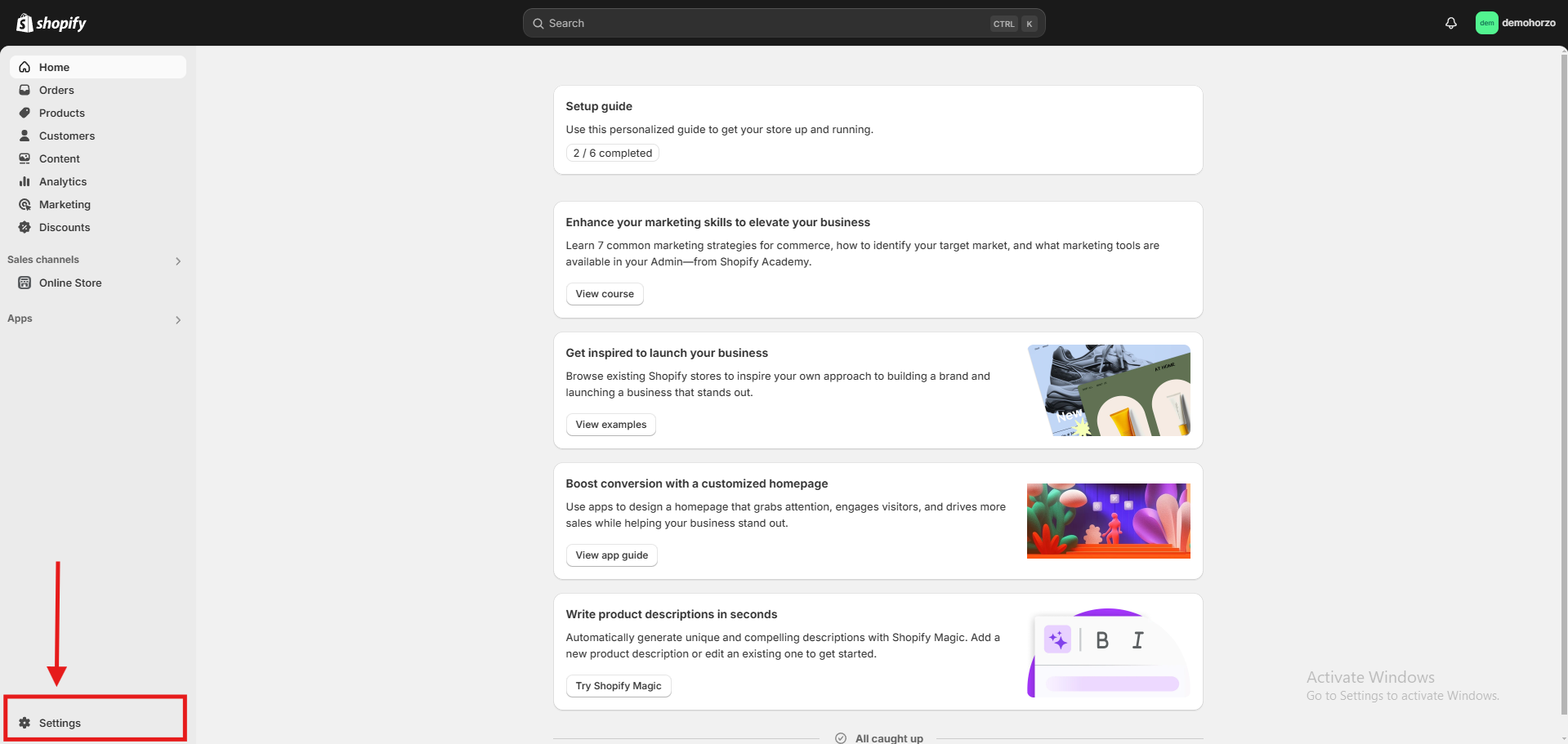
Where can I find the settings button?
Once you have launched your Shopify store, you will immediately see a settings button at the bottom left.
-
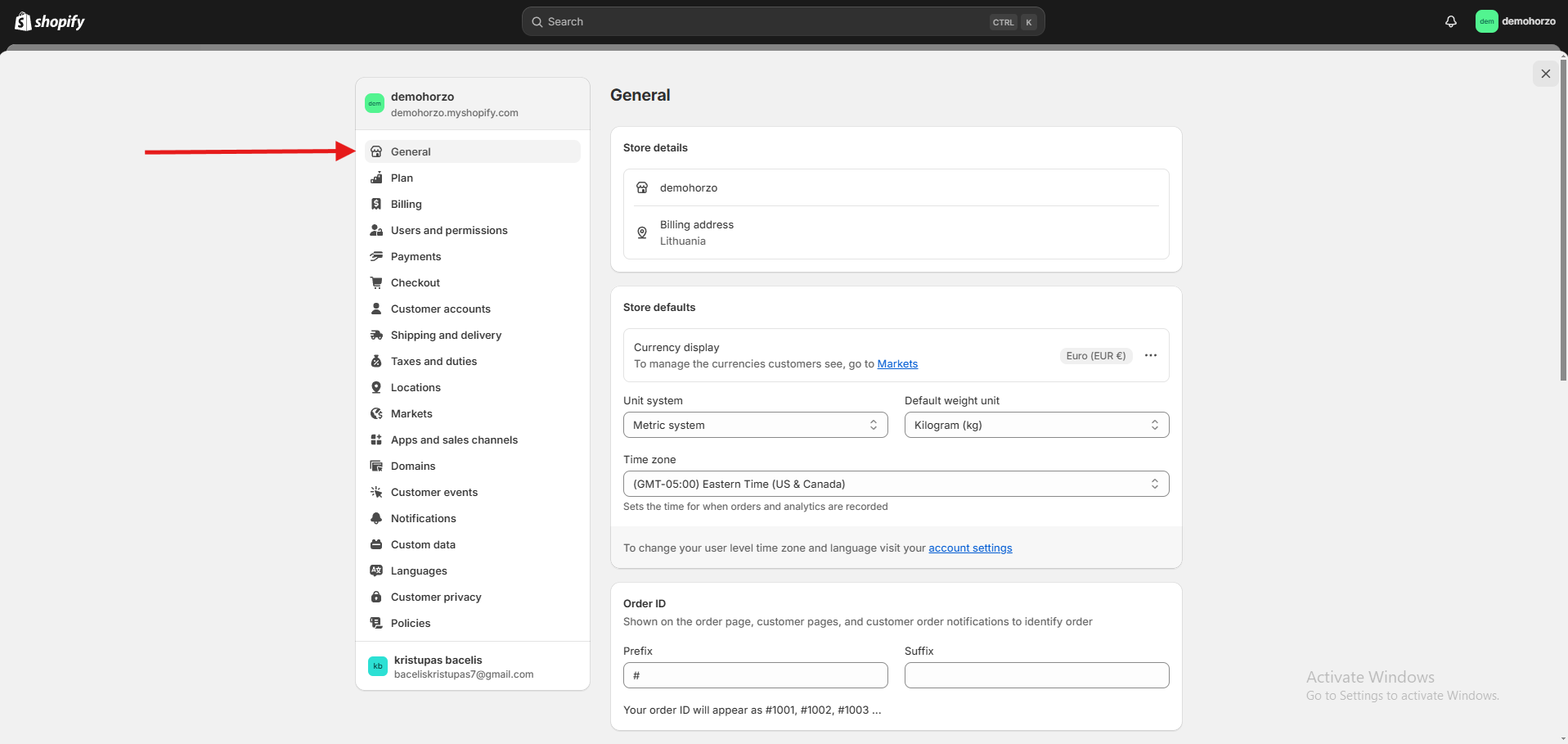
General (general settings) -
Set the store name, address, time, currency, and language.
Change your store description, contact information, and other important details.
-
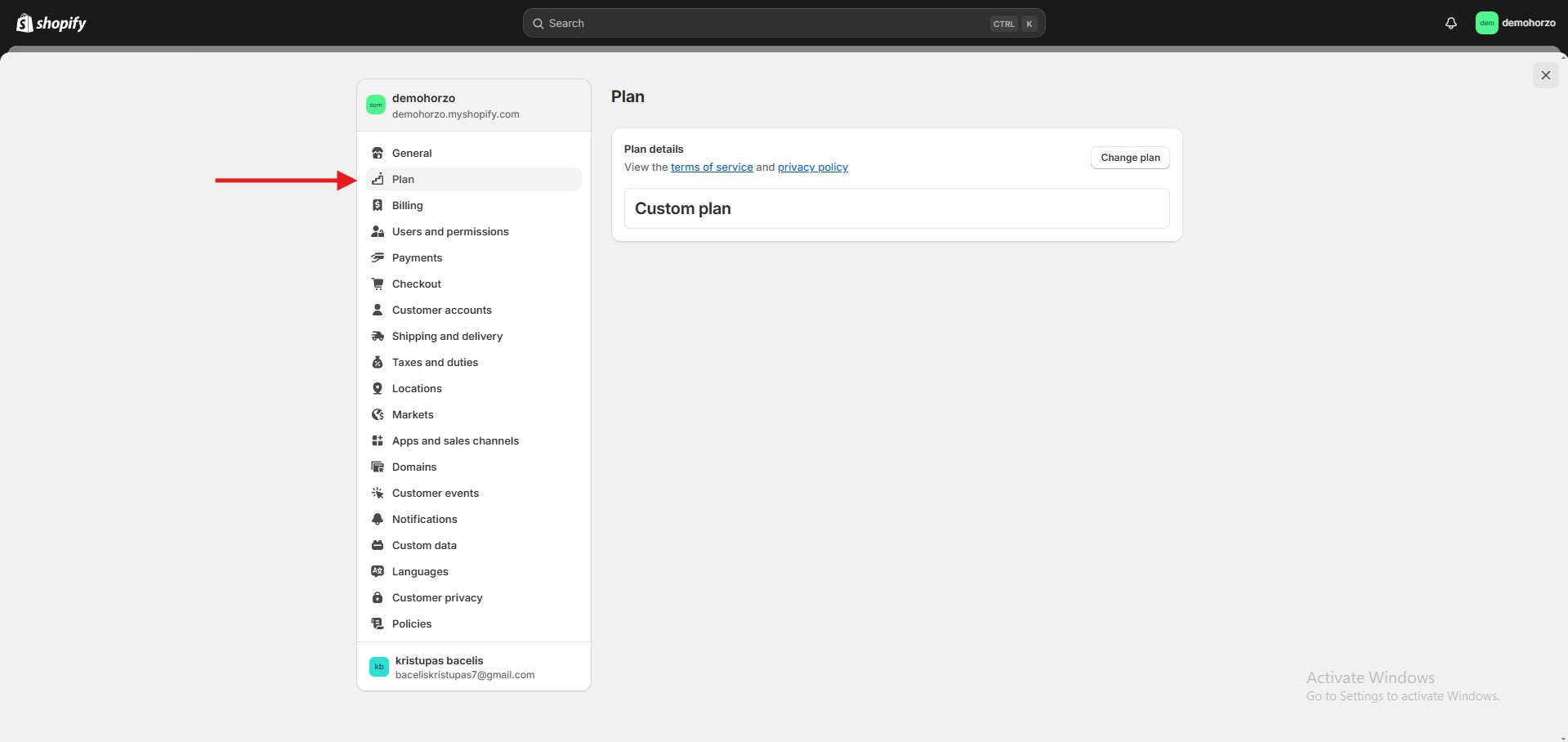
PLAN (plan) -
your chosen Shopify plan
-
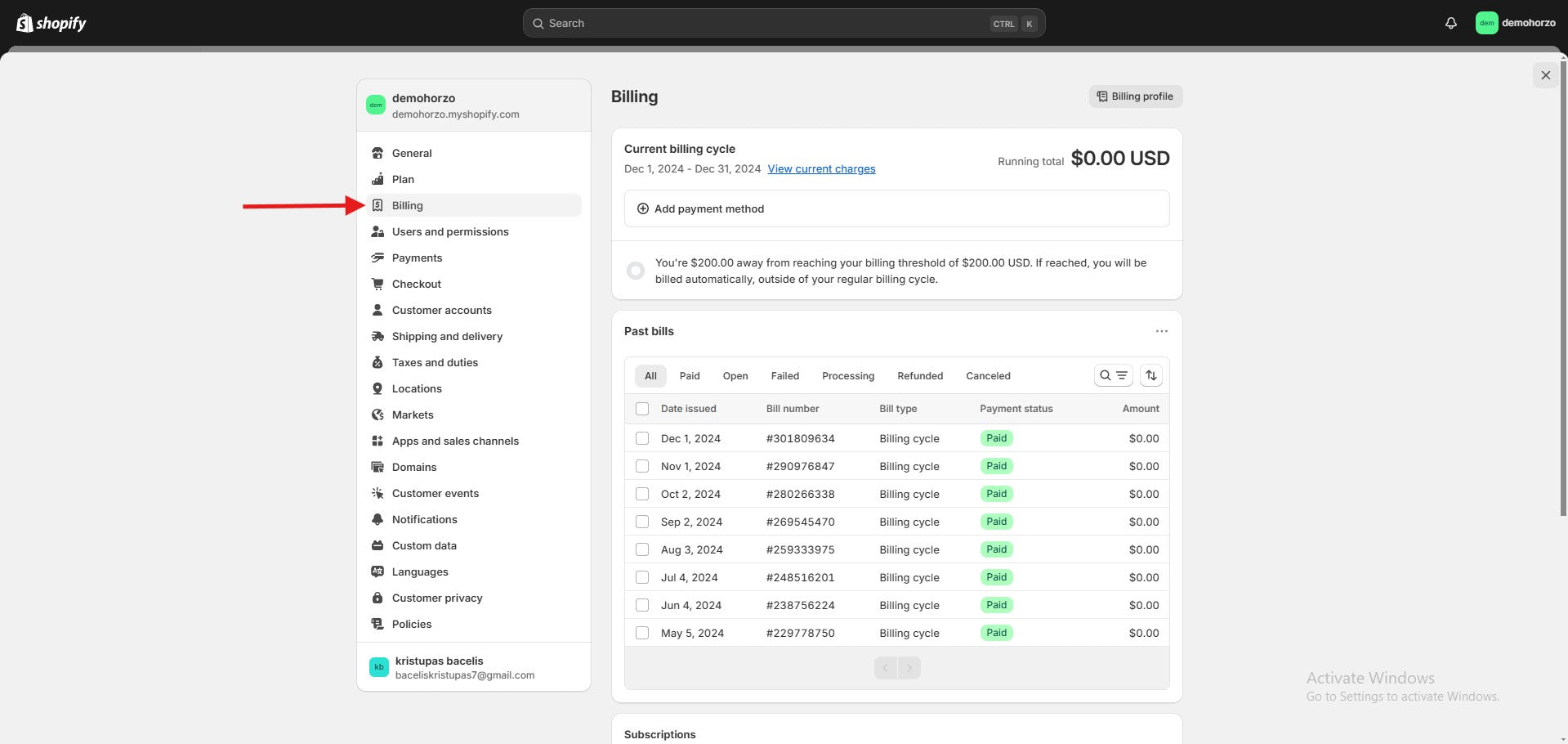
Billing -
Here you can see all payments related to your Shopify online store.
-
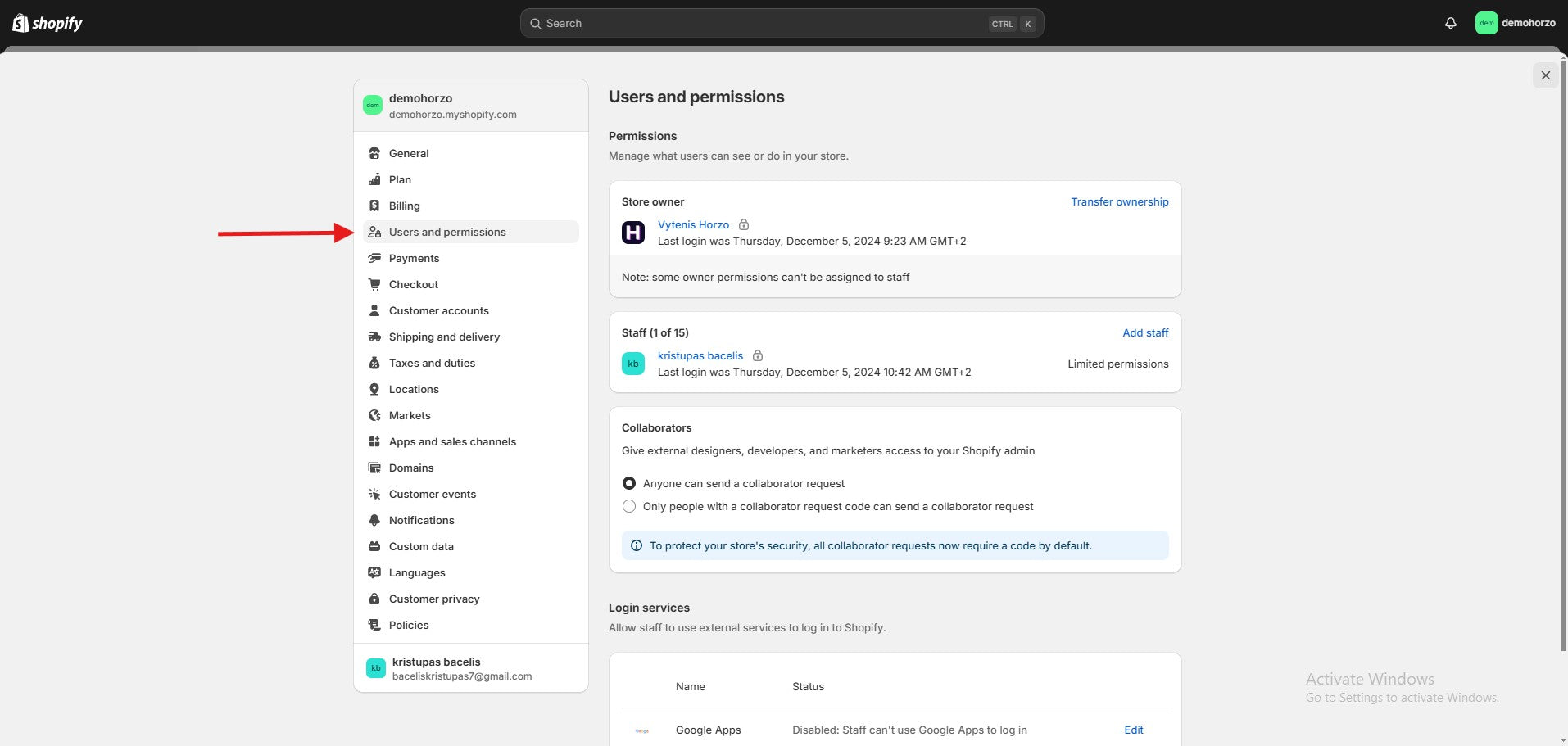
Users and permissions -
In this section, you will be able to add employees to your store and give them access to the necessary resources.
-
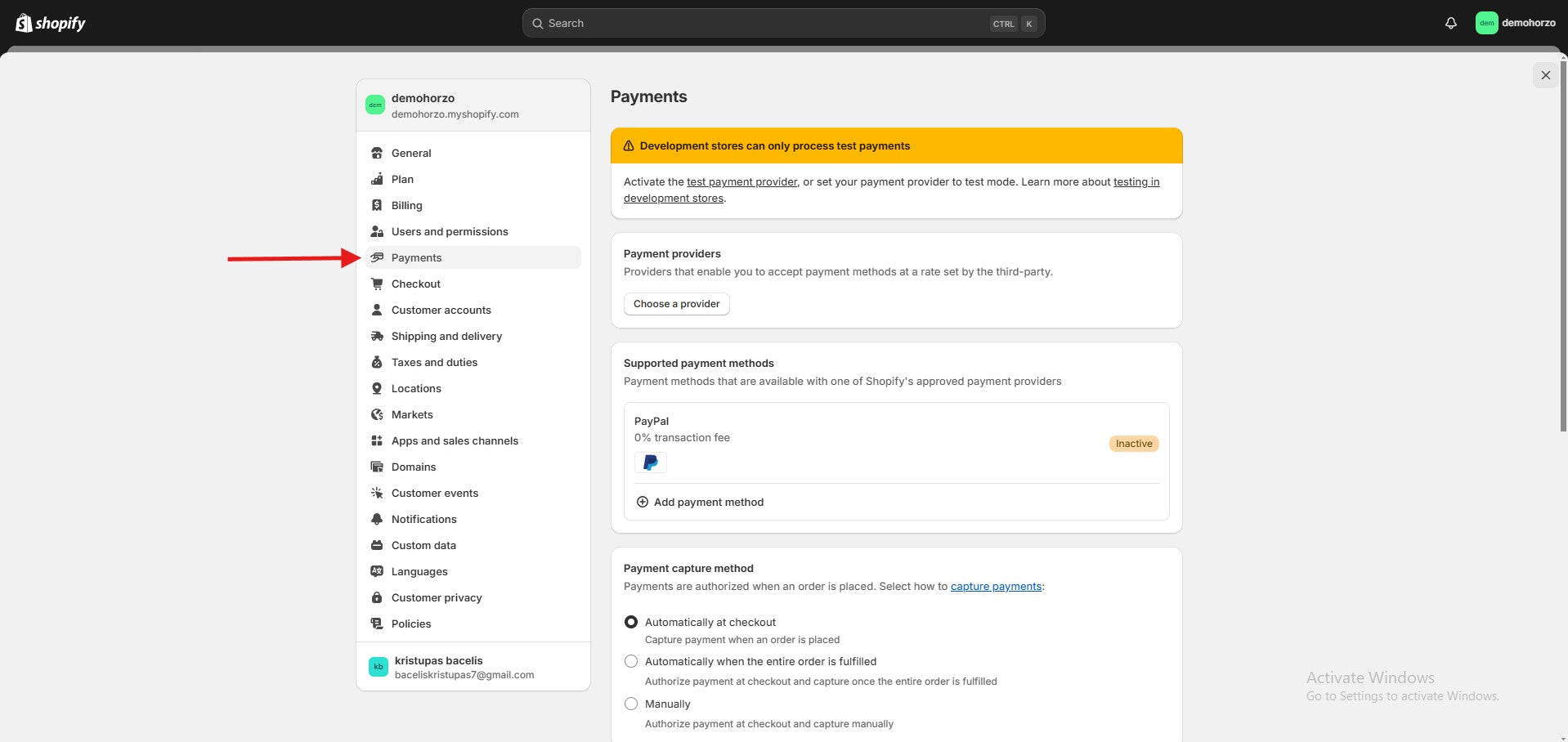
Payments -
You can add a payment service provider in this section.
-
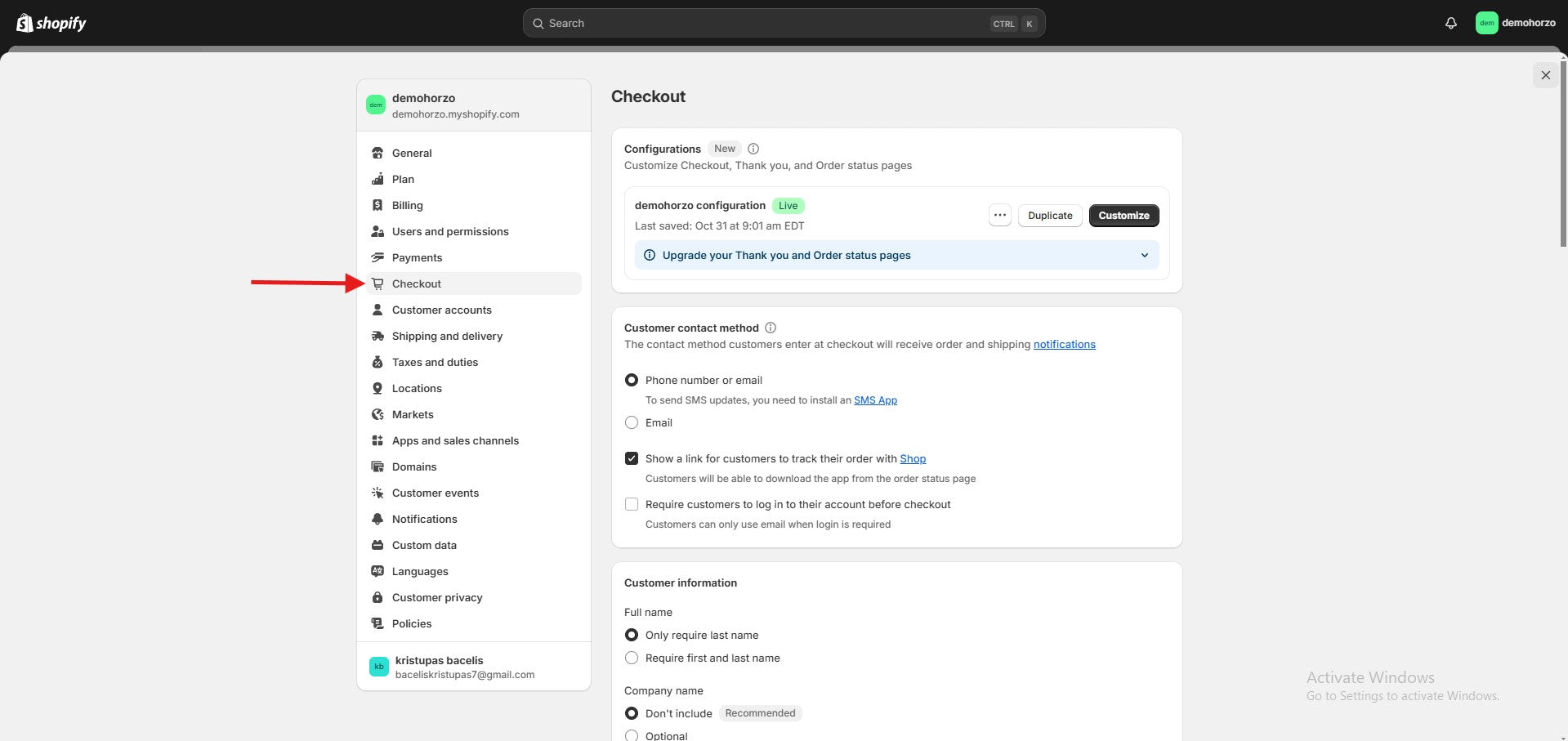
Checkout ( payment ) -
In this section, you can choose whether to require a customer login, what contact information (email or phone number) to provide, and whether to allow different shipping and billing addresses. You can also add marketing options (email, SMS), activate or adjust the tipping feature, and set up automatic emails about abandoned carts.
-
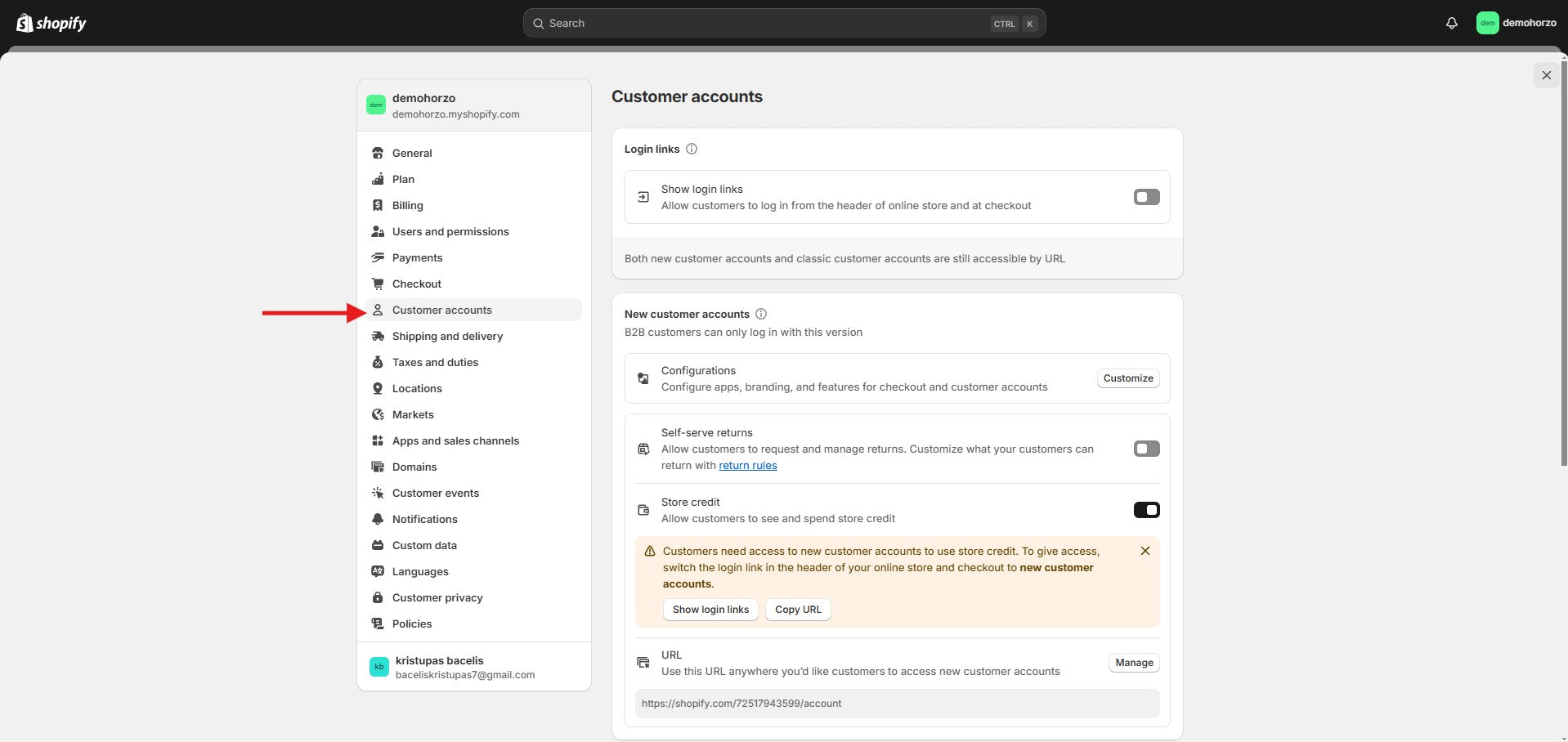
Customer Accounts -
This section will allow your customers to log in and manage their accounts. You can choose between the new or classic account version - the new version supports B2B customers, returns, and store credit management. Customers can log in using links from your store header or checkout page.
-
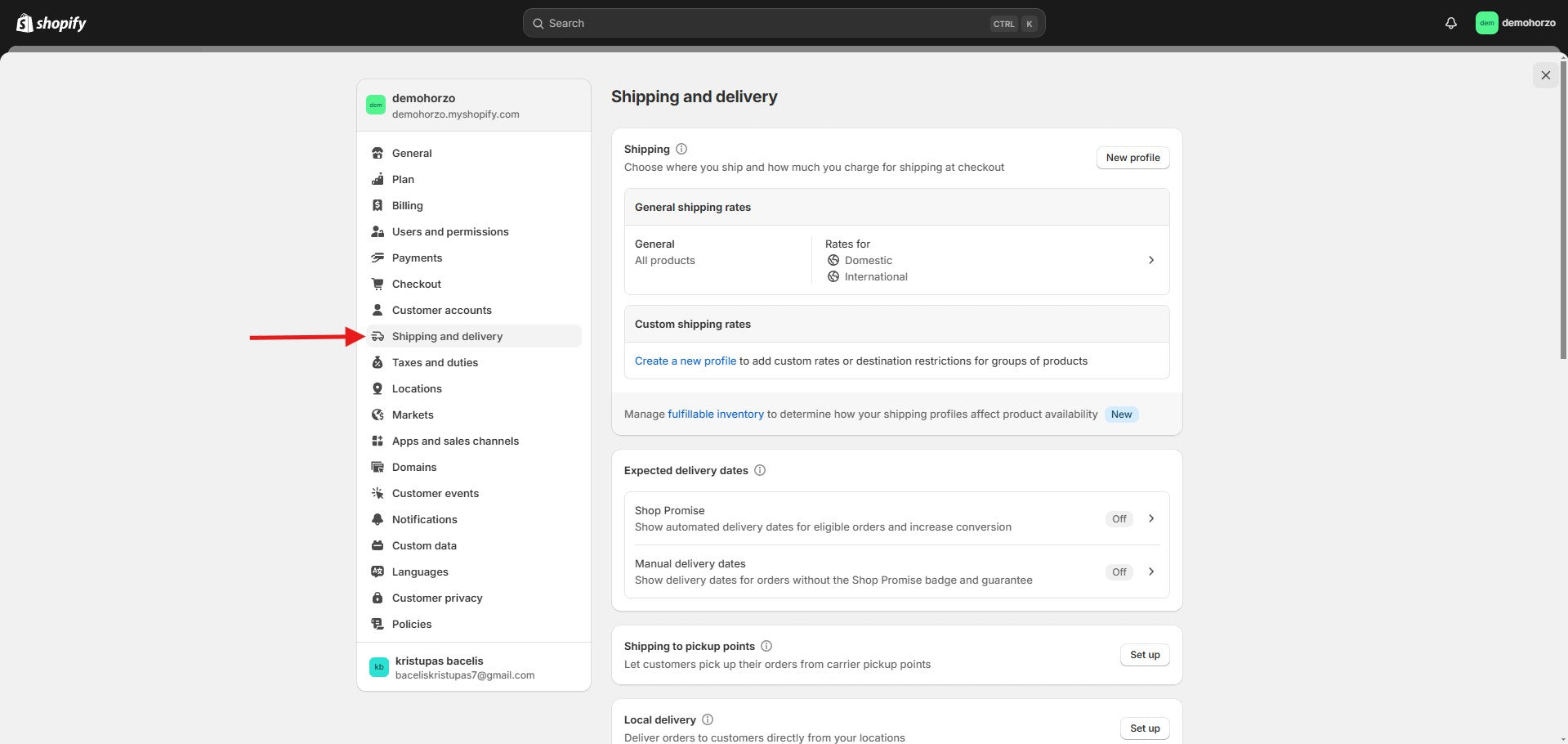
Shipping and Delivery -
In the section, you can set where you ship your goods and what shipping rates you apply. Choose general or customized shipping rates by product groups or regions. You can also enable features such as delivery to parcel lockers, in-store pickup, or courier delivery. Customize shipping options, save package templates, and use your shipping service accounts, if you have any. This helps create a more flexible and convenient delivery process for your customers.
-
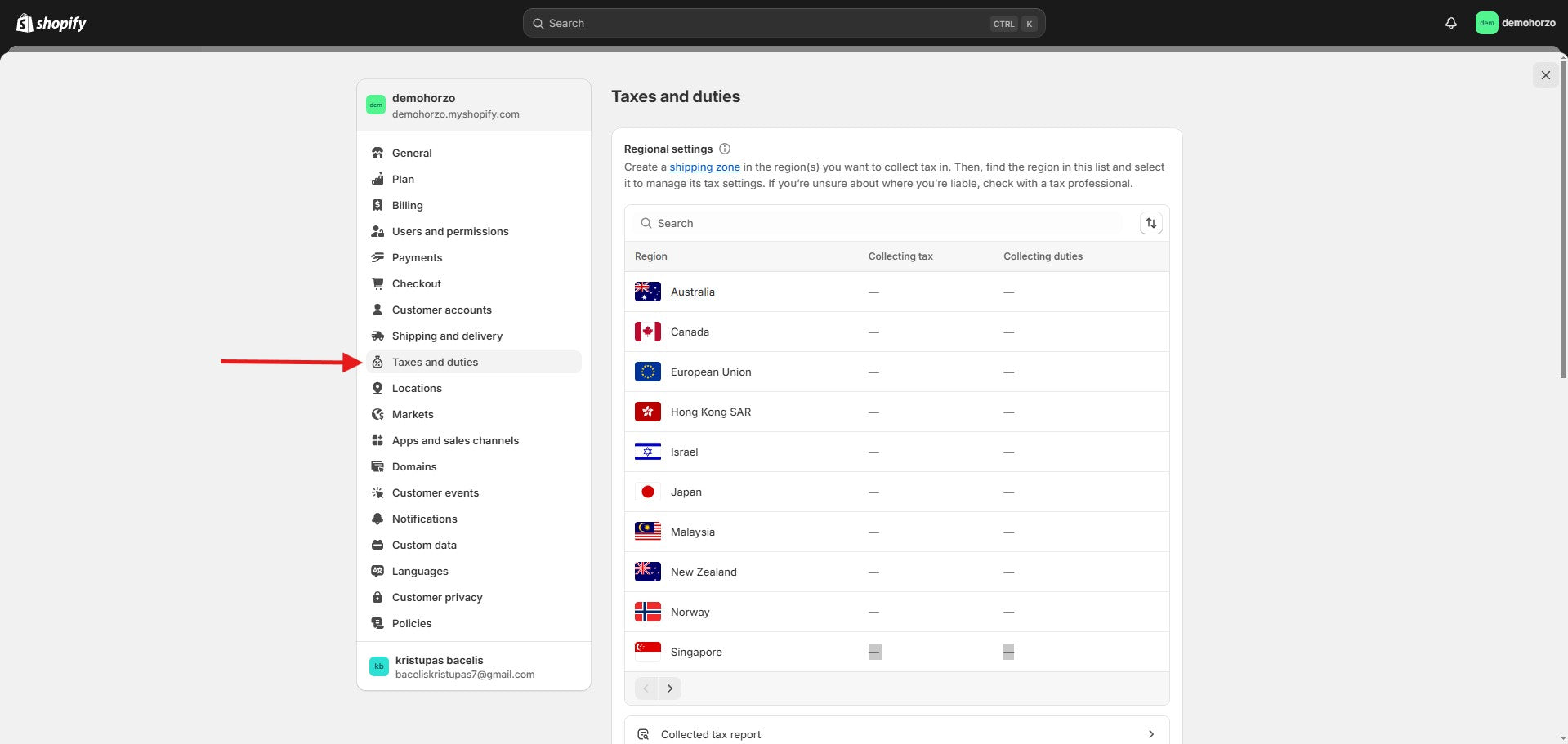
taxes and duties -
In this section you can set taxes that apply to the country where you are trading and set customs duties.
-
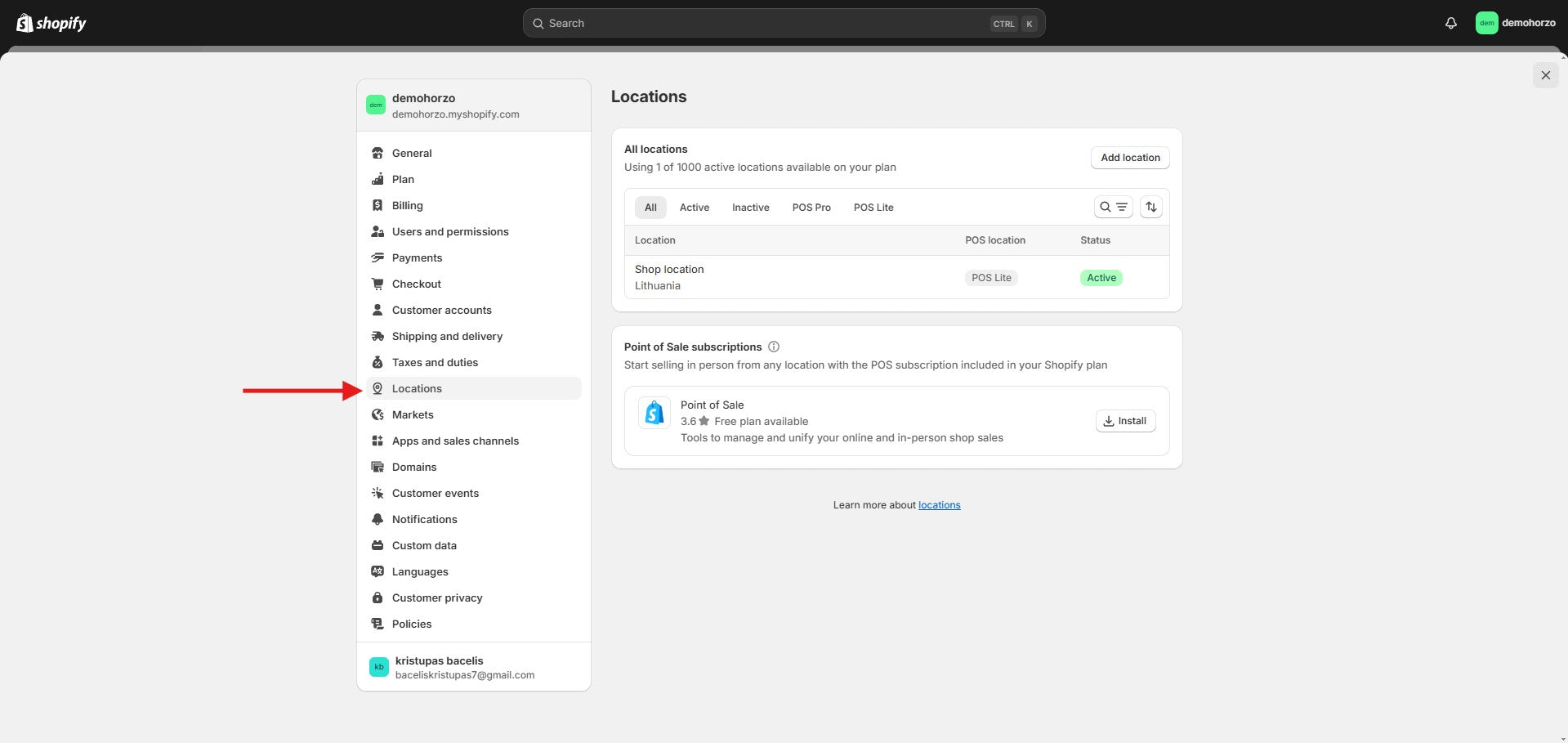
location (location - country) -
change your store location
-
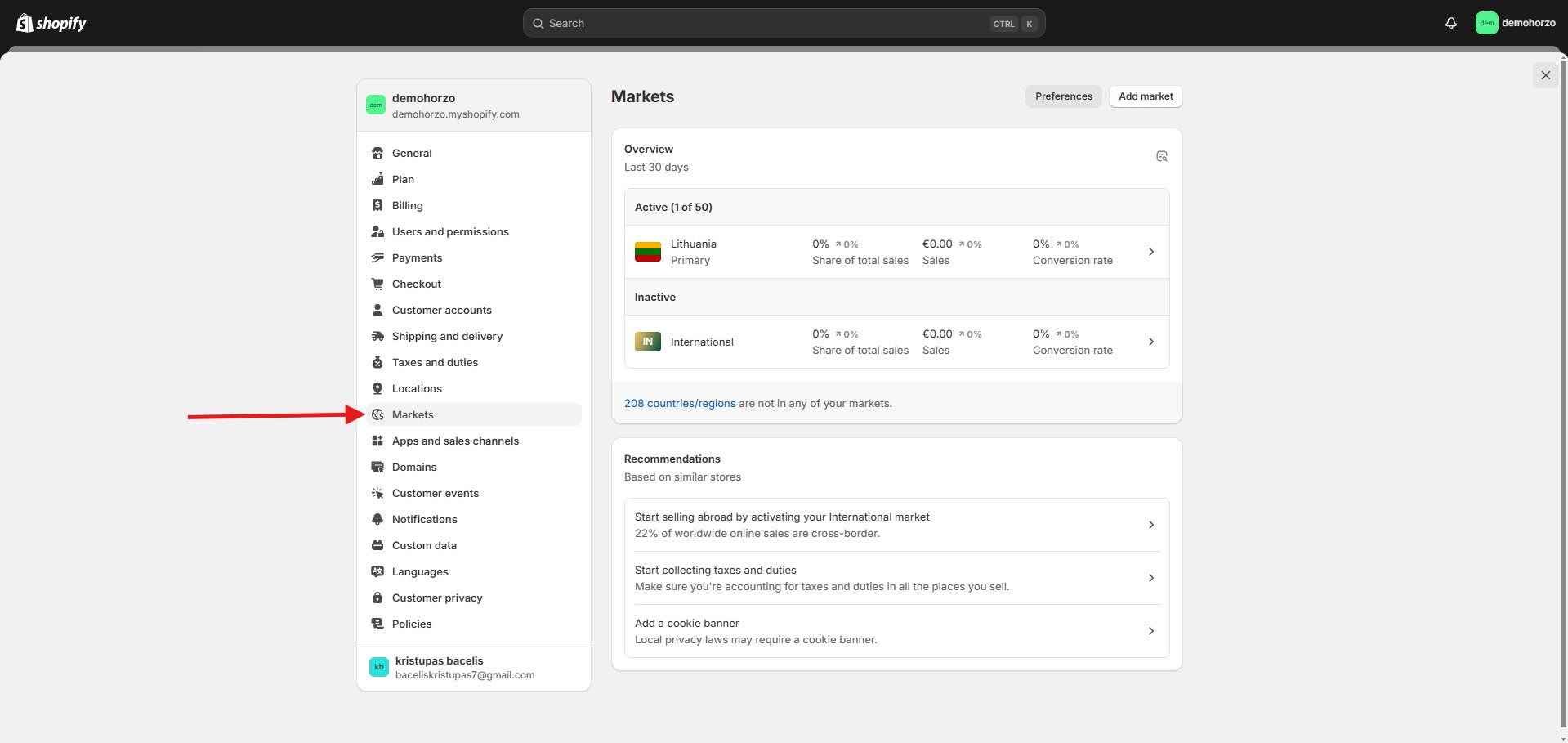
Markets -
In this section you can change the market you want to trade in.
-
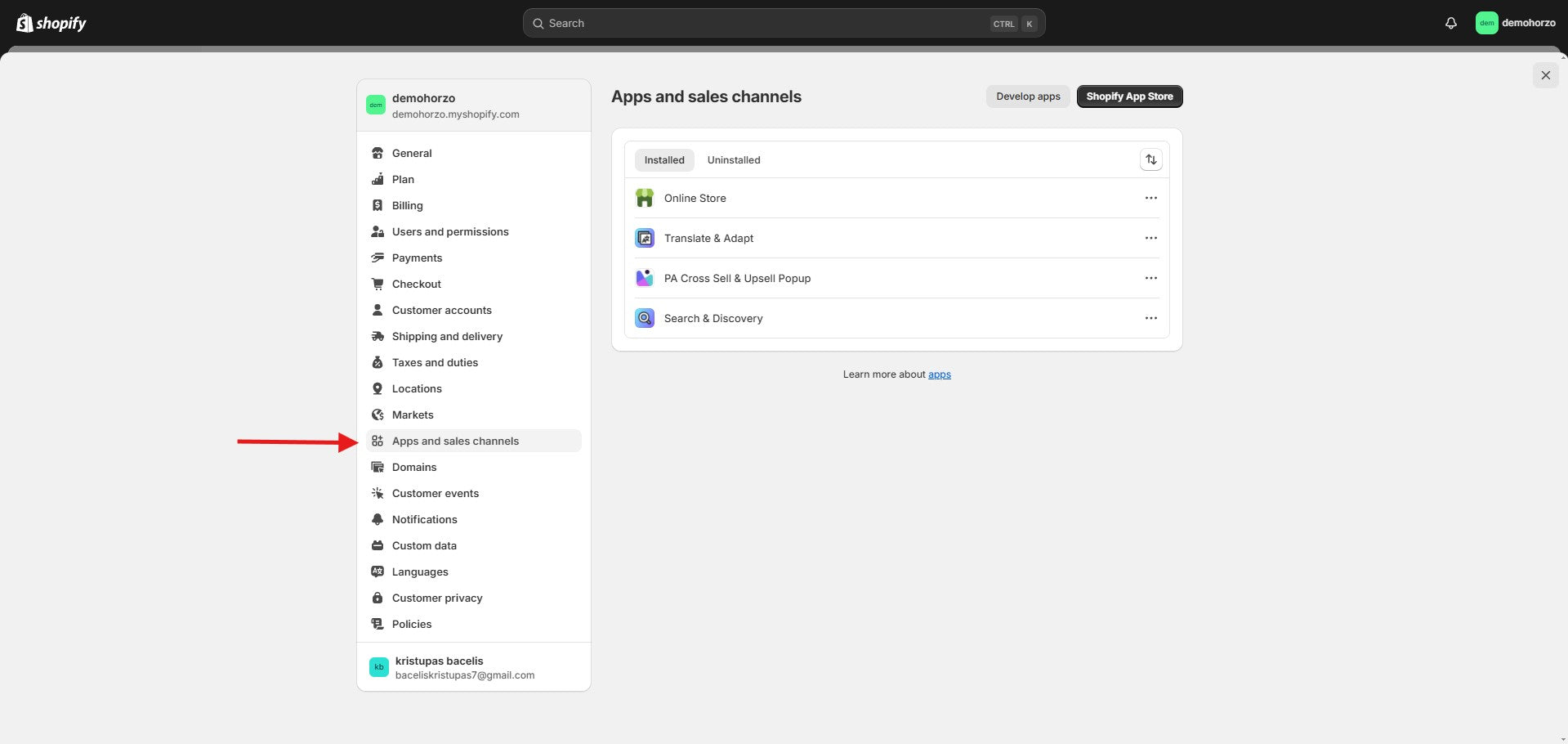
Apps and sales channels -
In this section you can edit your existing apps
-
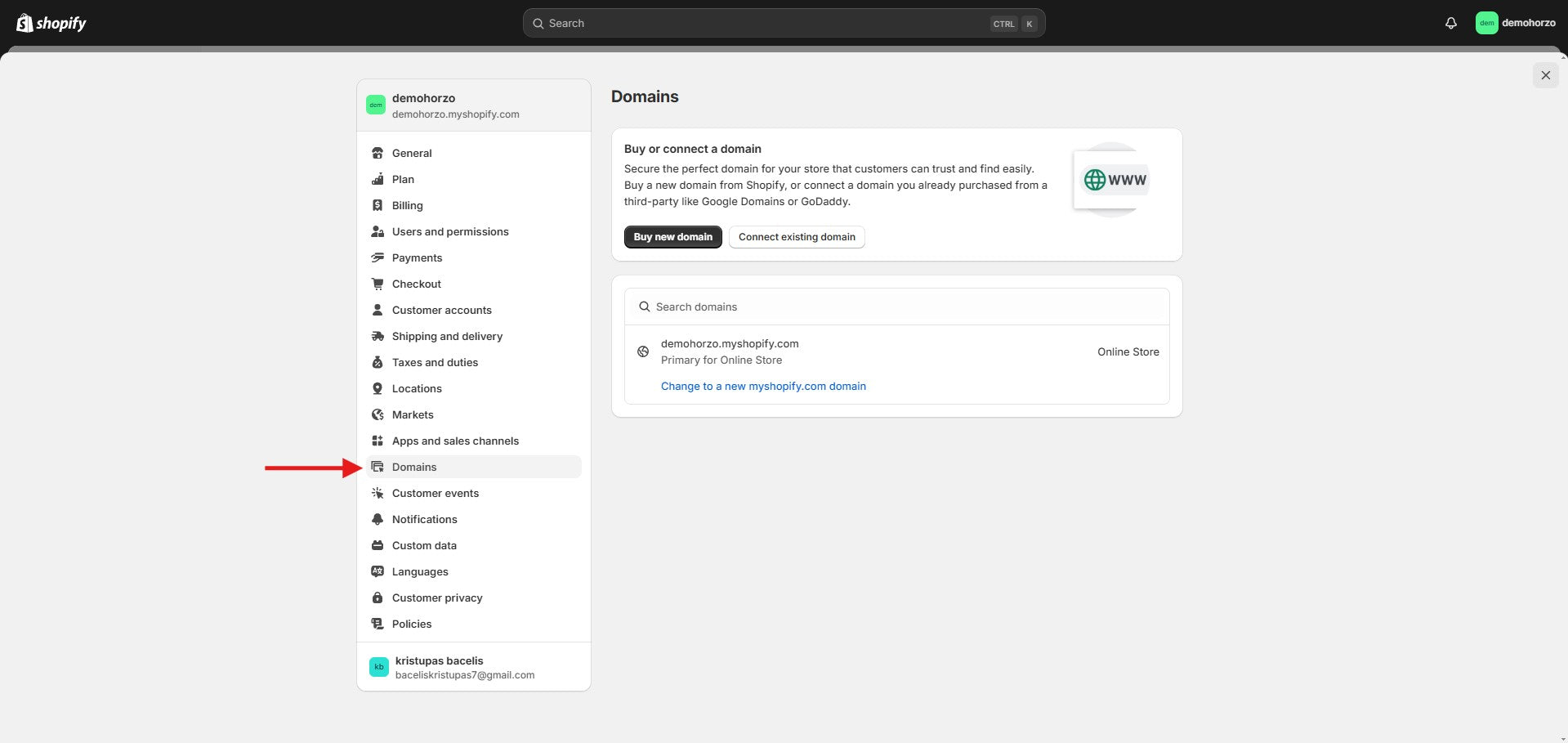
Domains -
you can connect your domain here
-
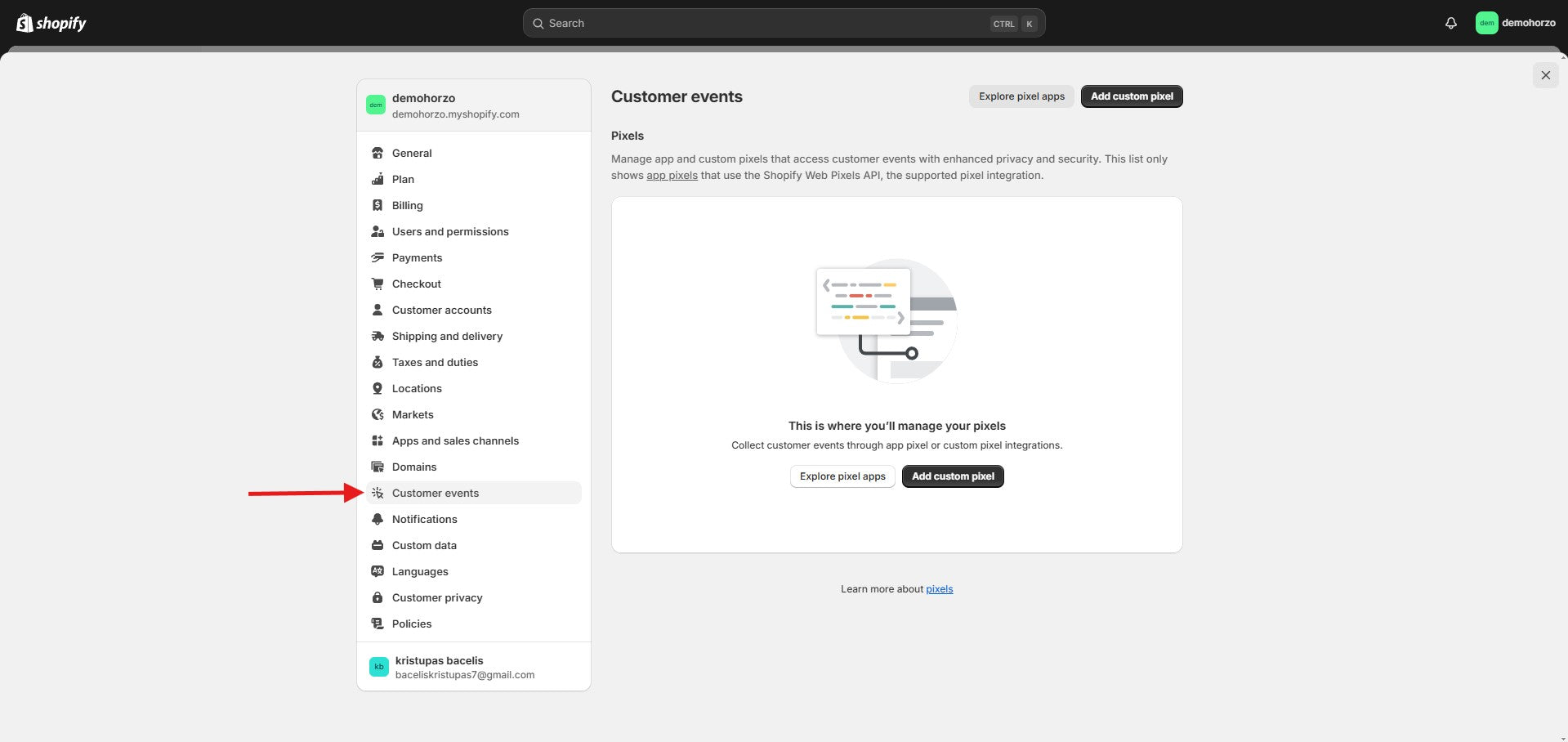
Customer events -
This section lets you manage pixels that collect data about customer actions on your website. Using the Shopify Web Pixels API, you can integrate app or custom pixels that ensure data privacy and security. This feature helps you track customer behavior and optimize your marketing strategies.
-
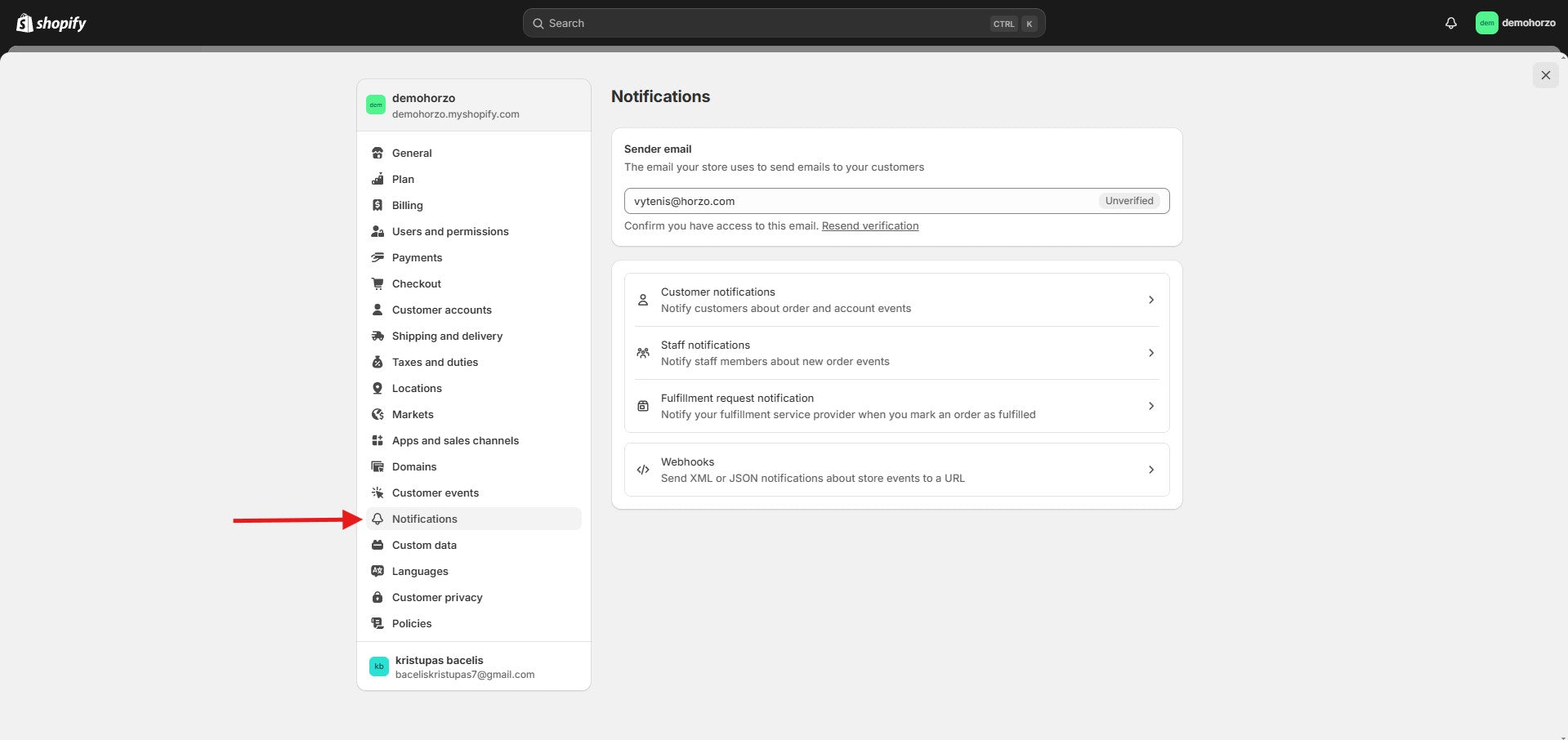
Notifications -
In this section you can add your E-mail to receive notifications about your store.
-
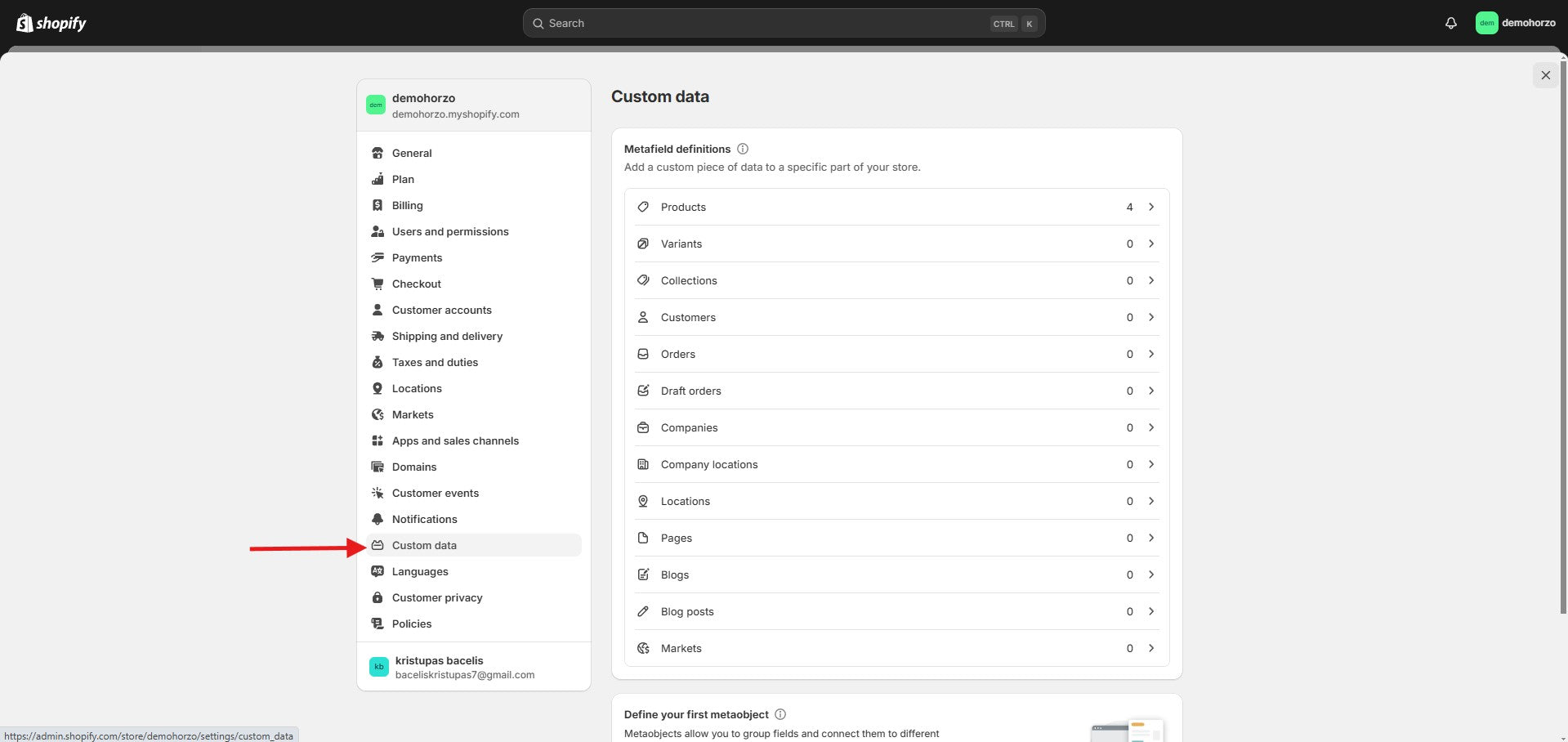
Custom data -
allows you to add unique data fields tailored to your store's needs. You can use metafields to enrich product, collection, page or order information. Metaobjects allow you to create more complex data structures and link them to different parts of your store. This is a great tool for creating personalized content or additional fields.
-
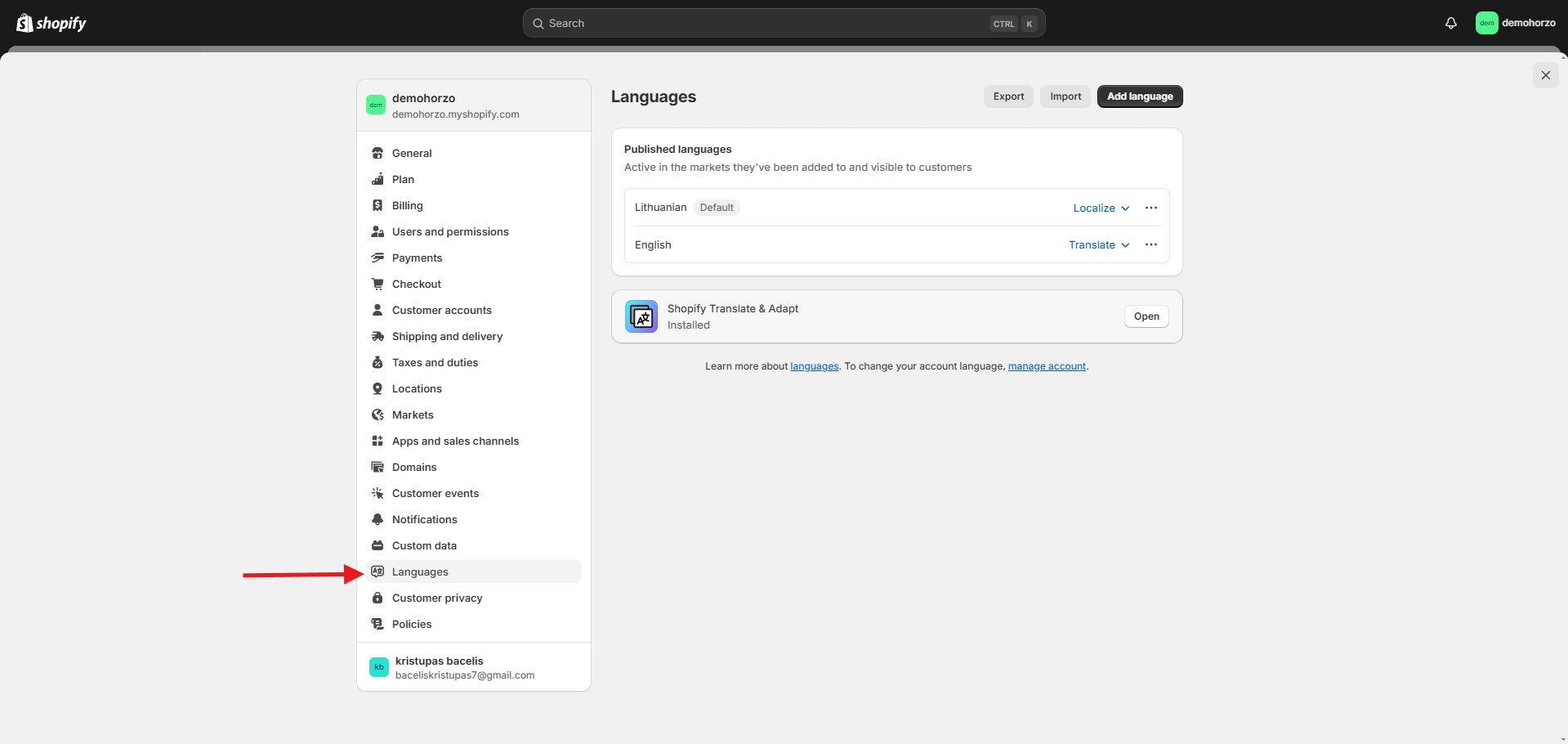
Languages -
in this section you can change the language
-
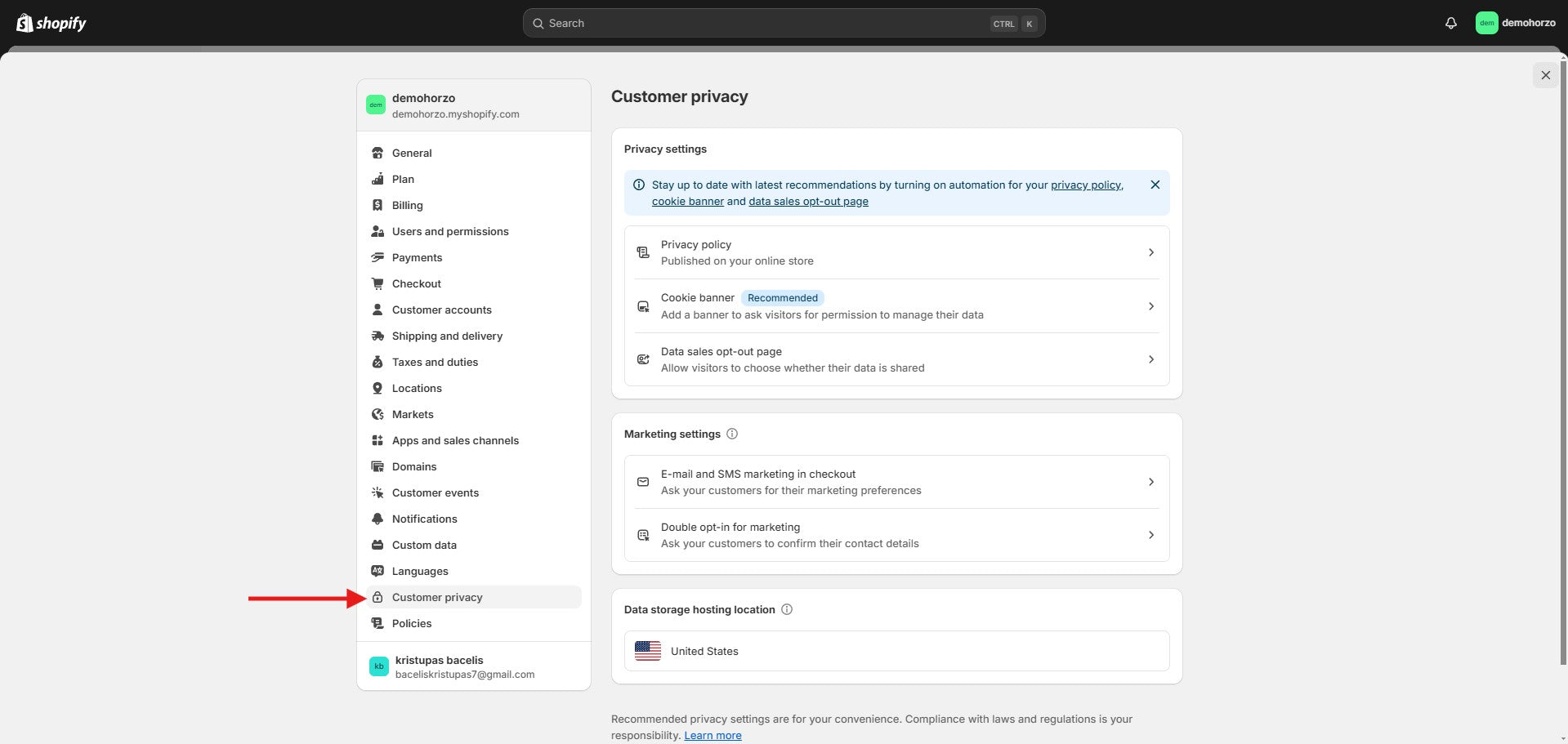
Customer privacy -
These settings help protect customer data and comply with legal requirements. You can automatically manage your privacy policy, cookie notices, and data sharing opt-out page. Enable the cookie banner to obtain visitor consent.
-
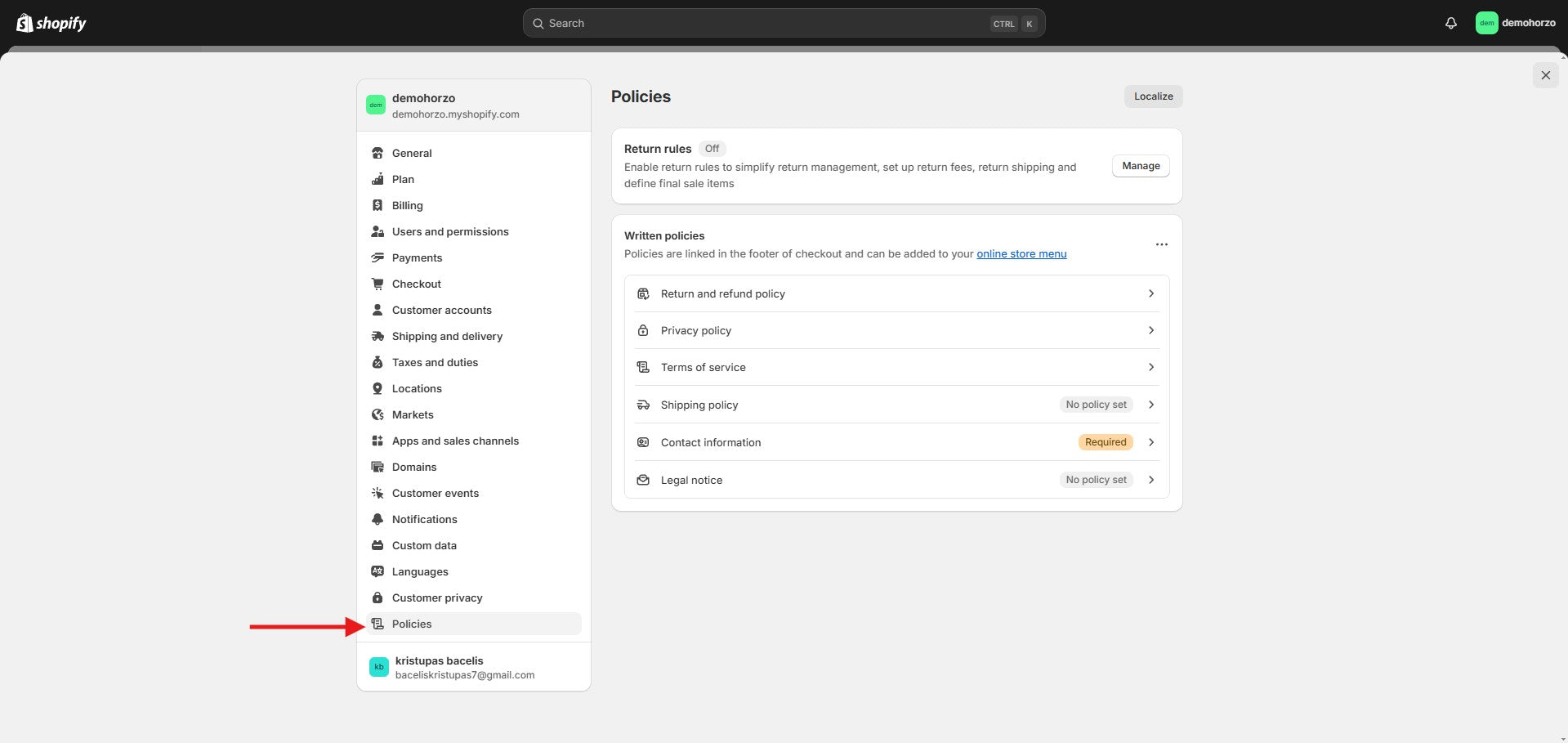
Policies -
In the section, you can set up and manage your store policies. Here you can add return, privacy, service, and shipping policies that will automatically appear in the footer of your checkout page or in your store menu. You can also enable return policies that cover return fees, shipping, and clearance items to simplify the return process.
