

Tip collection in Shopify
-
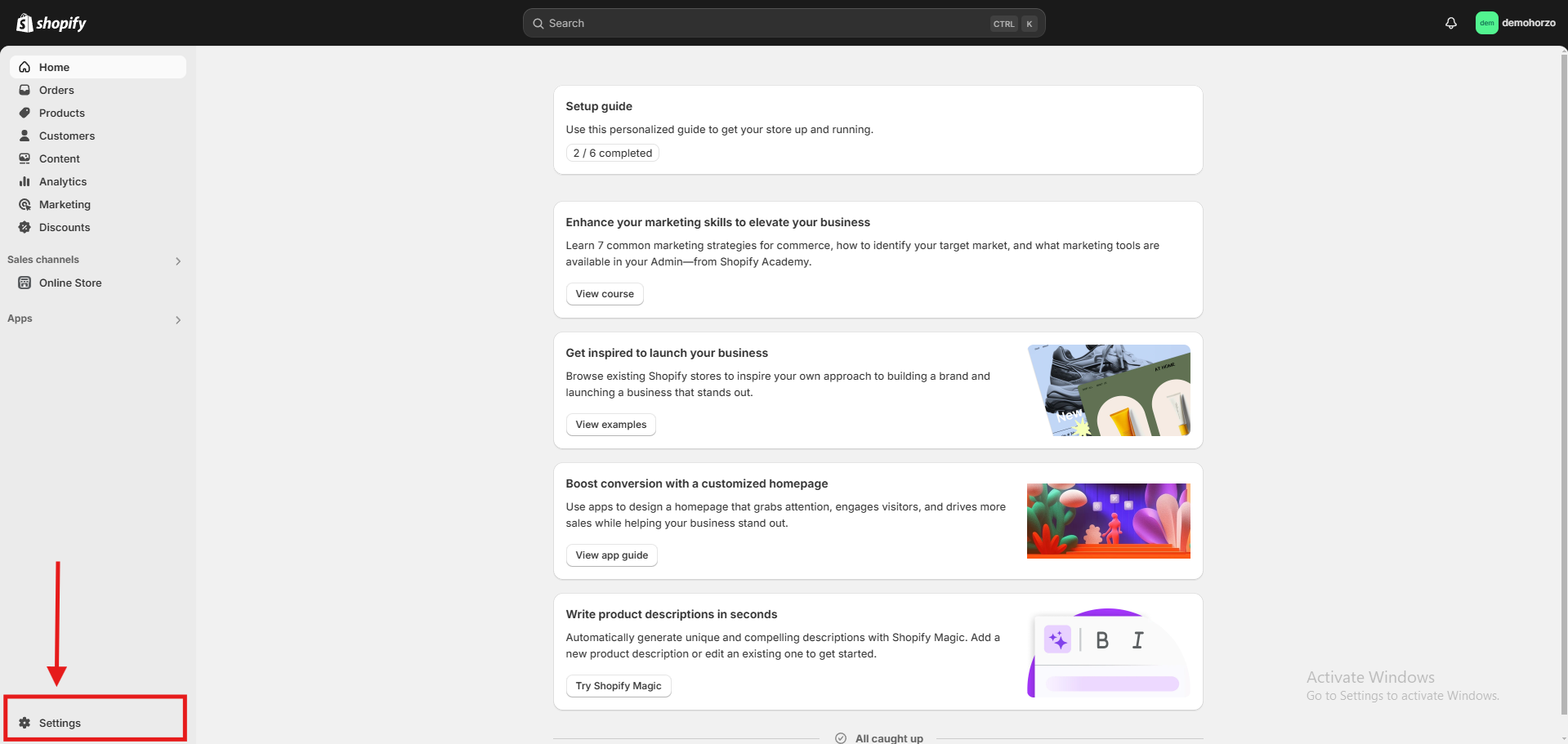
Logging in to your Shopify account and your store
You will see the full user menu on the top left where you can edit your tip preferences.
-
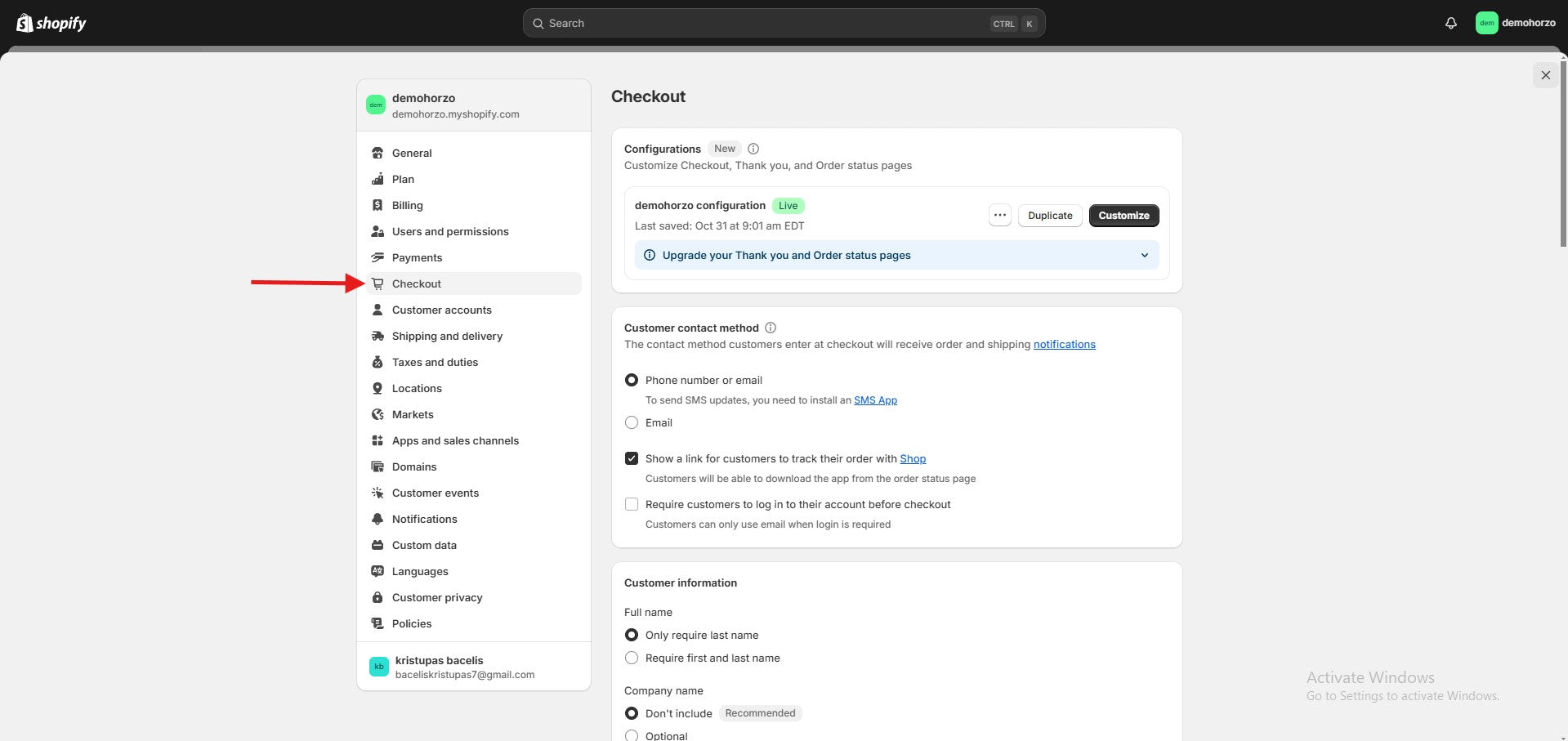
Checkout button and we're going down
-

You will find tipping -
here you will be able to perform the following functions -
Tipping : Set up to 3 percentage options or let customers choose a custom amount.
Restrictions : Tips cannot exceed 100% of the order amount or $1,000.
Personalization : The Tipping feature is customizable – change labels and descriptions to suit your business or charity goals.
Reports : You can view the amount of tips collected in financial reports.
Refunds : You can manually add a refundable tip when you return an order.
